Tools

Email Signature Generator

You can now create your own email signature by filling out the Email Signature Generator. The generator ensures your signature is accessible and properly formatted for legal and regulatory compliance.

The Email Signature Generator page includes guidelines and best practices for the creation of FIU Email Signatures, as well as instructions on how to update your signature on Microsoft Outlook.

Create your own email signature

Signature example
Your Name, M.S.
Florida International University

Your Title, Your Office/Department
Your Unit/College

11200 SW 8th Street Miami, Florida 33199
P: (305) 348-2000   
Website: https://fiu.edu

Canva Enterprise

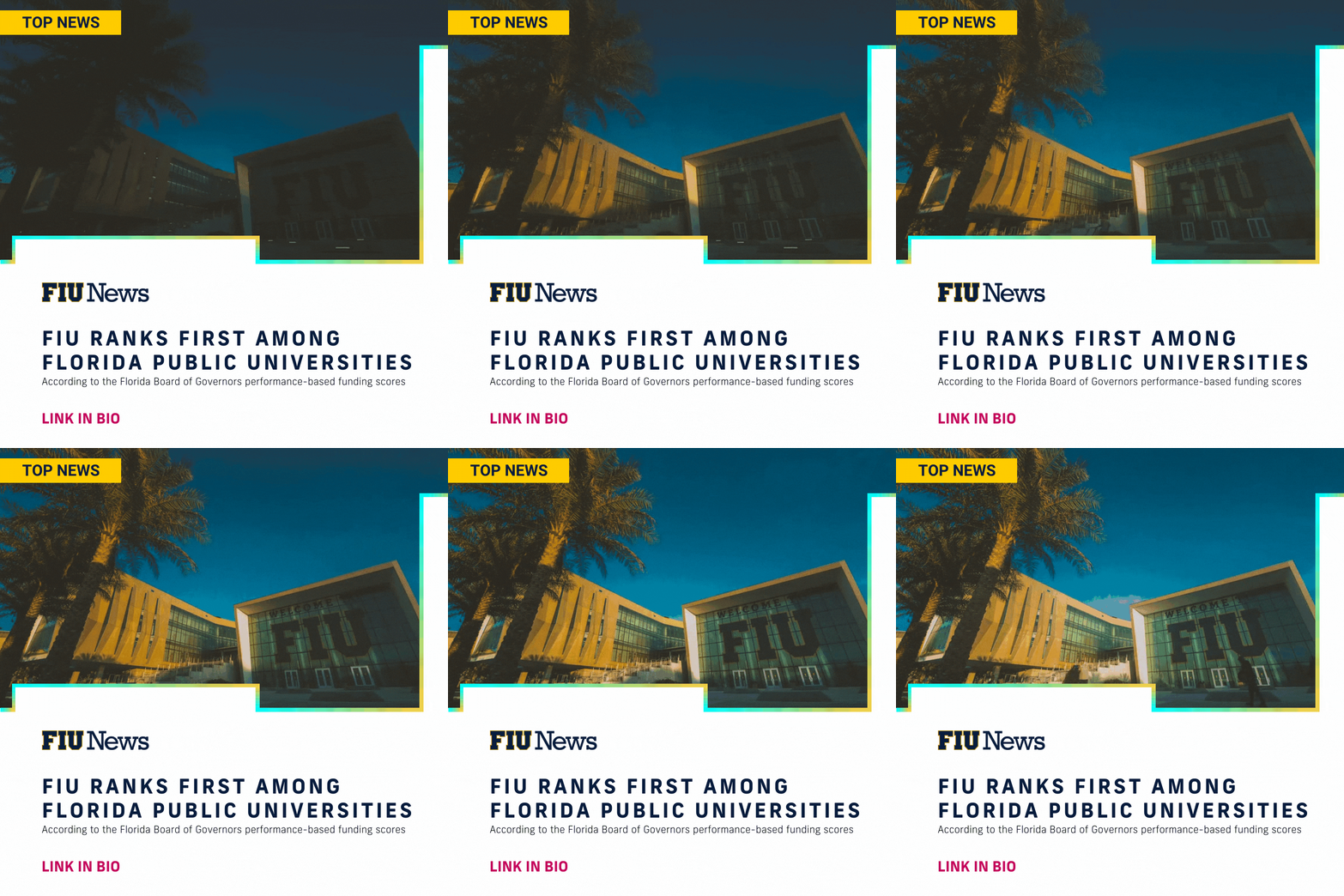
The FIU Canva Enterprise, which is a paid option available to all colleges and units, provides access to the FIU brand toolkit on Canva which includes colors, assets, templates and more useful materials. While the brand assets, color palette, and more items can be found on this site, Canva provides additional approved templates that can be leveraged for digital communications (social media, e-blast headers, dynamic presentations, etc.)

The benefits of signing up for the Enterprise membership include:

  • FIU brand assets in one place (purchased fonts, photos, approved colors, templates, etc.).
  • Branded templates created by our team of professional designers.
    • These templates are constantly refreshed and augmented with new templates
    • These templates also follow our brand guidelines and accessibility such as color contrast requirements
    • Template support, feedback and collaboration from the central team – all on the same platform.
  • On-going photo uploads of your colleges
  • Ability to create your own social media visuals with the approved brand elements
  • Unlimited storage for photos and other uploads unlike the Pro or free versions of Canva

Request a Canva enterprise membership

canva-gif-template.gif    canva-fiu-news-template.gif